

- The Health and Safety (Display Screen Equipment) Regulations 1992 apply to regular screen users wherever they work, including at home.
- A "DSE user" is broadly anyone who uses a screen as a significant part of their normal work.
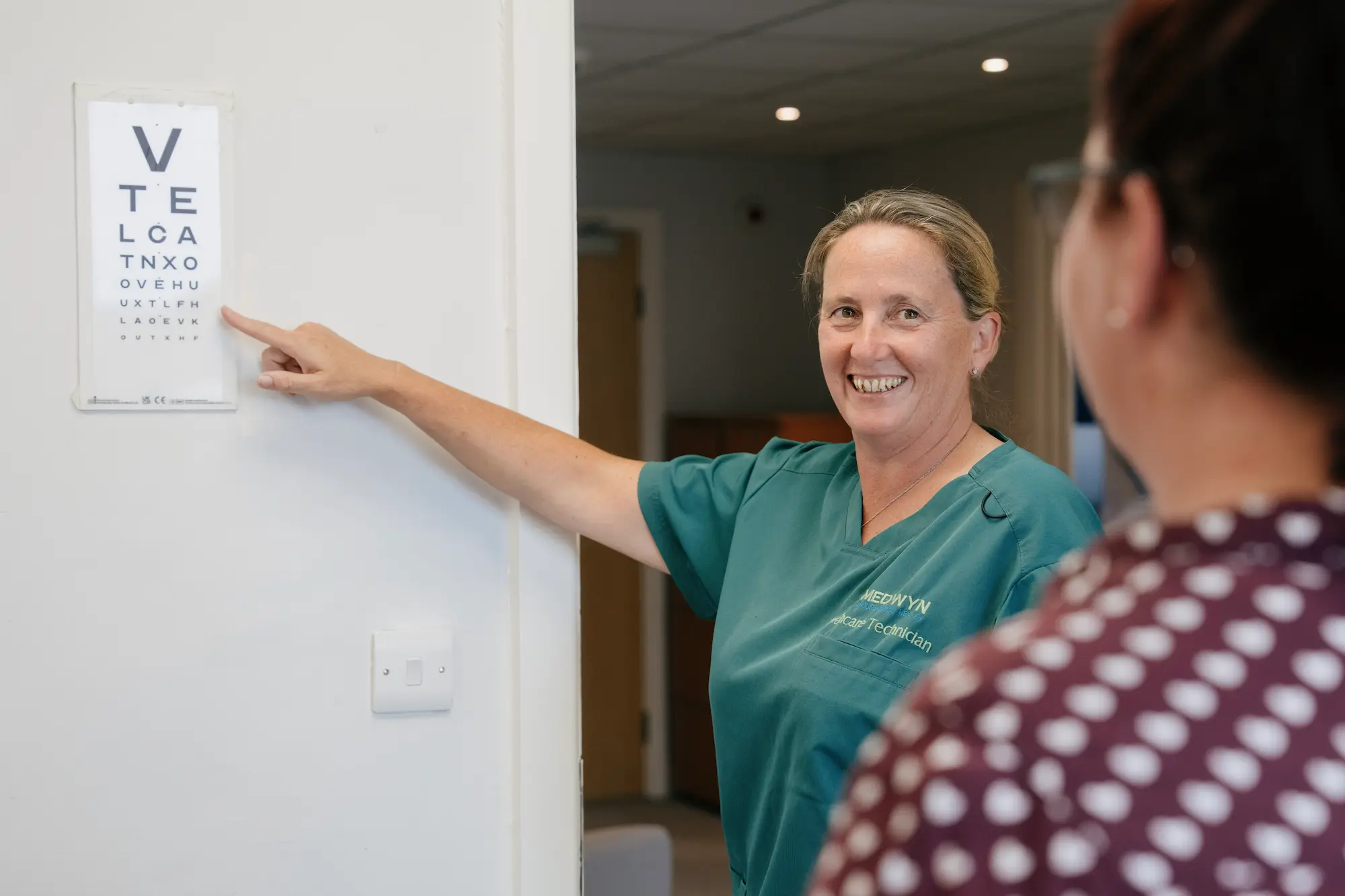
- Employers must assess workstations, reduce risks, provide eye tests on request, and give information and training.
- A good assessment covers the chair, desk, screen, input devices, posture, breaks and environment, and leads to action.
When large numbers of staff began working from home, one duty travelled with them and was easy to overlook: the requirement to assess display screen equipment (DSE) workstations. The Health and Safety (Display Screen Equipment) Regulations 1992 did not pause for homeworking. If someone was a DSE user in the office, they remain one at the kitchen table, and the employer's duties continue.
Who is a DSE user
The Regulations apply to workers who use display screen equipment as a significant part of their normal work, generally daily and for continuous periods of an hour or more. This includes most office-based roles and a large share of hybrid and home-based workers. Occasional or short-term use falls outside the definition, but for anyone whose day is built around a screen, the duties apply in full, wherever they sit.
The duty to assess display-screen workstations follows the work, not the building.
What the Regulations require
Employers of DSE users must do four things: assess each user's workstation and reduce any risks identified; make sure workstations meet minimum requirements for the screen, keyboard, desk and chair; provide an eye test on request, and any special corrective appliances needed specifically for screen work; and give users health and safety information and training. These duties apply equally to home workstations, which is where many organisations have gaps.
Good practice
A homeworker's dining chair and a laptop on a low table can create exactly the postural problems the Regulations are meant to prevent. For regular home-based screen work, a self-assessment supported by guidance, together with basic equipment such as a separate keyboard, mouse and screen riser, addresses most of the risk at modest cost.
Running an effective assessment
A workstation assessment does not need to be complicated, but it does need to be acted on. It should cover the chair and its adjustment, desk height and space, screen position and height, keyboard and mouse, the user's posture, the pattern of breaks and changes of activity, and the surrounding environment such as lighting and glare. Many organisations use a structured self-assessment for lower-risk users, reserving a specialist assessment for anyone with symptoms, a health condition or a complex setup.
- Is the screen at roughly eye level, an arm's length away, and free of glare?
- Are the chair and desk adjusted so the forearms are roughly horizontal and the feet supported?
- Are a separate keyboard and mouse used where a laptop is the main device?
- Does the person change posture and take regular short breaks from the screen?
- Have any reported aches, discomfort or eye strain been followed up?
When to involve occupational health
Most DSE risks are straightforward, but some are not. Where a user reports persistent discomfort, has a musculoskeletal or other health condition, or needs adjustments that go beyond the standard, a specialist ergonomic assessment provides tailored recommendations. For a user whose symptoms are affecting their work, a management referral adds clinical advice on fitness and adjustments. Acting early on screen-related discomfort prevents the musculoskeletal problems that are among the most common causes of work absence.
This article is general guidance for employers and is not individual medical or legal advice. If you are unsure how it applies to your organisation, contact our team.